
Help / Getting started / Invite your team
Invite your team
Invite members by email, and give each one a role.
Last updated
Invite a member
On the Team tab in Settings, choose Invite member.
- Enter their email address.
- Choose a role.
- Choose Submit.
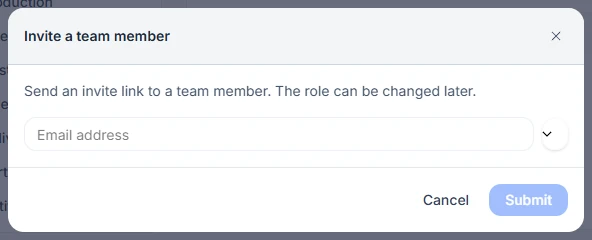
When they open the invite they sign in, or sign up if they are new, and join your workspace. Pending invites can be resent with Resend invitation.
Floor operators
Production floor operators do not need their own login. Invite a member with the Production Operator role, open that member on the Team tab, and choose Add operator. Enter the operator’s first and last name, hourly rate, and a 4-digit PIN. Operators enter their PIN for each action on the floor screen.
Seats
The Team tab shows how many seats you have used. When you reach your limit, Invite member is replaced by Upgrade plan, or Request more seats on Pro.
When someone leaves
Open the member and choose Revoke, or select members on the Team tab and use Toggle status.