Help / Product guides / Delivery
Delivery
Manage deliveries, set up runs, and complete them in the driver app.
Last updated
What it is
Delivery gets your sales to your customers. Every sale becomes a delivery, which moves through Awaiting, Open, Accepted, In transit, and Completed. Each delivery has a type, such as In-house, Courier, or Interstate, and Runs group deliveries for your drivers.
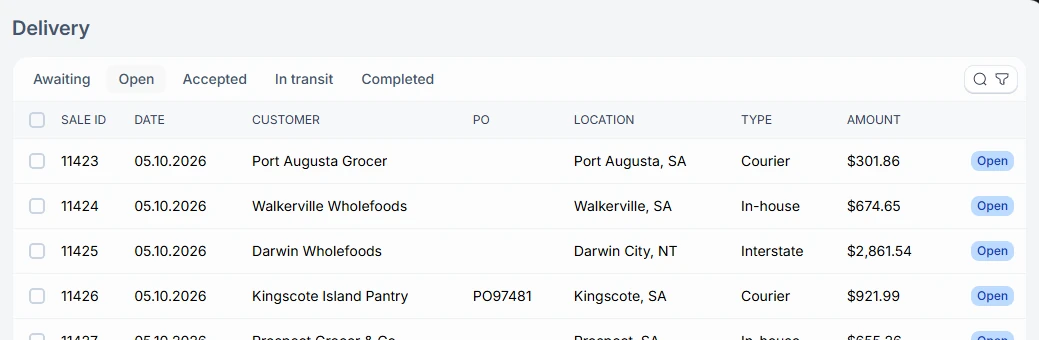
Where to find it
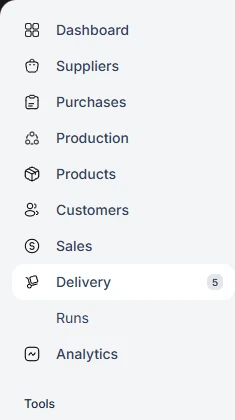
Delivery is in the sidebar, with Runs beneath it. Drivers use the separate driver app.
- Each sale creates a delivery. With Require approval on, this happens once the sale is approved.
- In the office, set the delivery’s method, date, and run.
- The driver scans the products, takes them to the customer, and completes the delivery with a signature.