Help / Product guides / Workspaces
Workspaces
Switch workspaces, company settings, linked businesses, and notifications.
Last updated
Workspaces
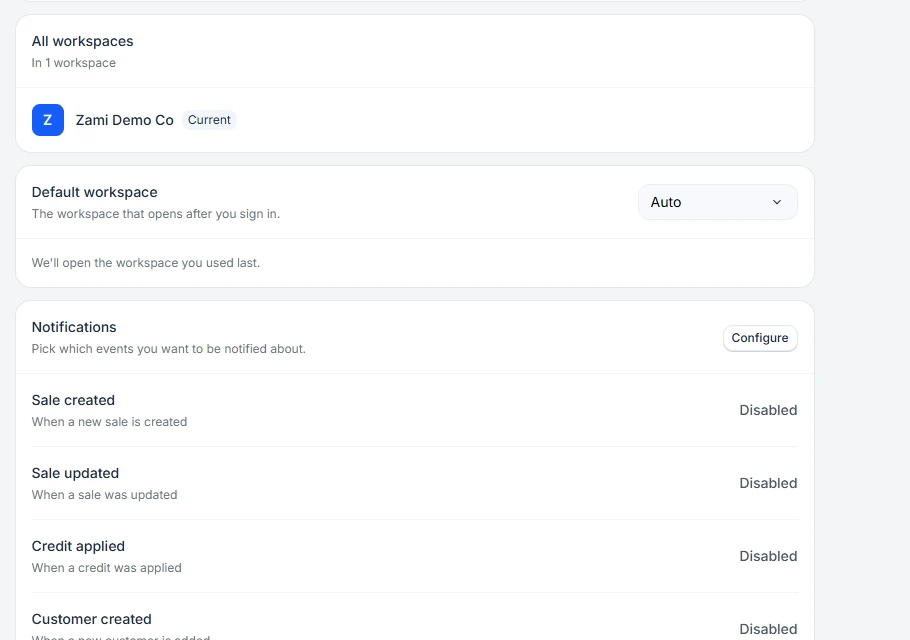
Each business in Zami is a workspace with its own products, customers, and records. If you belong to more than one, use the workspace switcher in the sidebar to change between them without signing out. On your Account page, All workspaces lists them, and you can set a Default workspace or Leave one.