
Help / Product guides / Purchasing
Purchasing
Set up suppliers, raise purchases, and receive stock.
Last updated
What it is
Purchasing is how you buy from your suppliers. It keeps the companies you buy from, the purchases you raise with them, and the stock that arrives against each one. Every purchase shows its supplier, expected date, delivery date, and status, and received stock goes into your inventory.
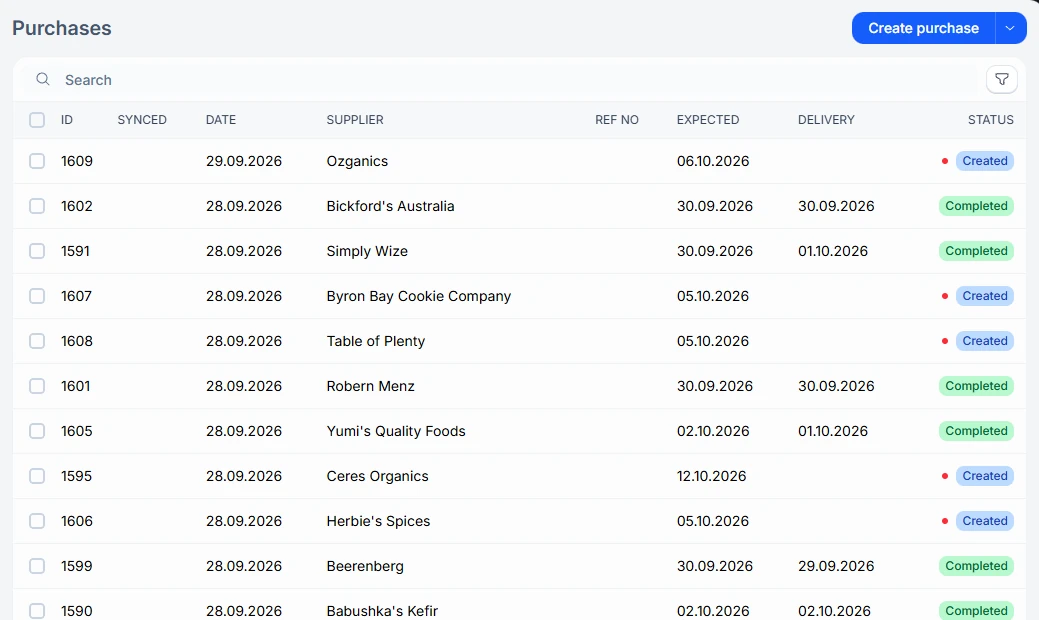
Where to find it
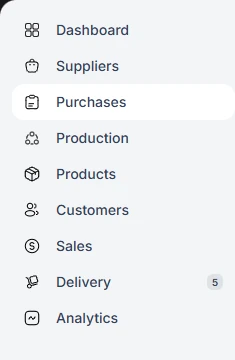
Suppliers and Purchases are two separate items in the sidebar. Suppliers holds the companies you buy from. Purchases holds the orders you raise with them and the stock you receive against those orders.
- Create a supplier with its company details and contacts.
- On each product, record which suppliers sell it, at what cost, and in what pack sizes.
- Create a purchase and send it to the supplier.
- Receive the stock against the purchase when it arrives.
If an accounting integration is connected, purchases sync to it. The Synced column on the Purchases list shows whether each one has gone across.