
Help / Product guides / Inventory
Inventory
Products, categories, stock levels, stock adjustments, and stock history.
Last updated
What it is
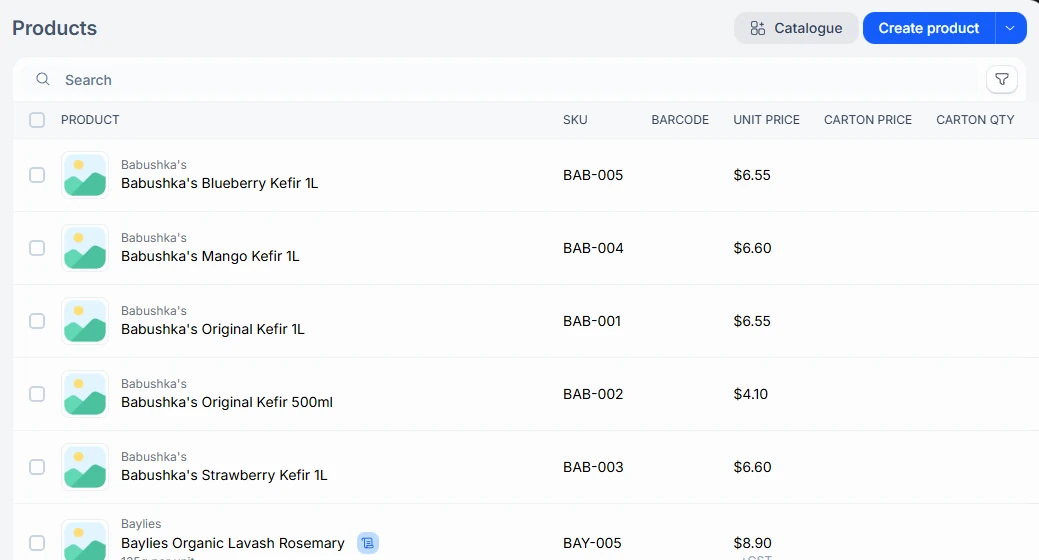
Inventory tracks everything you sell and use, and how much of it you have. Products is your catalogue, grouped into Categories. Inventory shows the stock on hand for each product, and History lists every movement in and out.
Where to find it
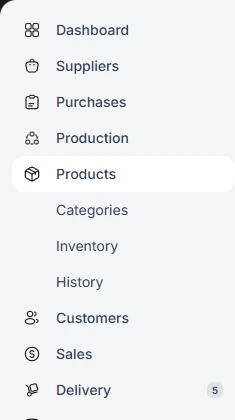
Products is in the sidebar, with Categories, Inventory, and History beneath it. Most stock changes happen on their own as you receive purchases, run production, sell, and credit.
- Products and Categories describe what you sell and use.
- Inventory shows how much of each product you have.
- Adjust stock handles stocktakes, write-offs, and transfers.
- History lists every stock movement.
In this guide
ProductsCreate products with SKUs, barcodes, prices, and carton sizes.CategoriesGroup products for the product list, the portal, and splitting sales.Stock levelsSee how much you have, what is allocated, and what is available.Adjust stockStocktakes, write-offs, and transfers.Stock historyEvery stock movement, with who made it and why.