Help / Product guides / Analytics / Reports
Reports
Run a report and export it as a spreadsheet.
Last updated
Run a report
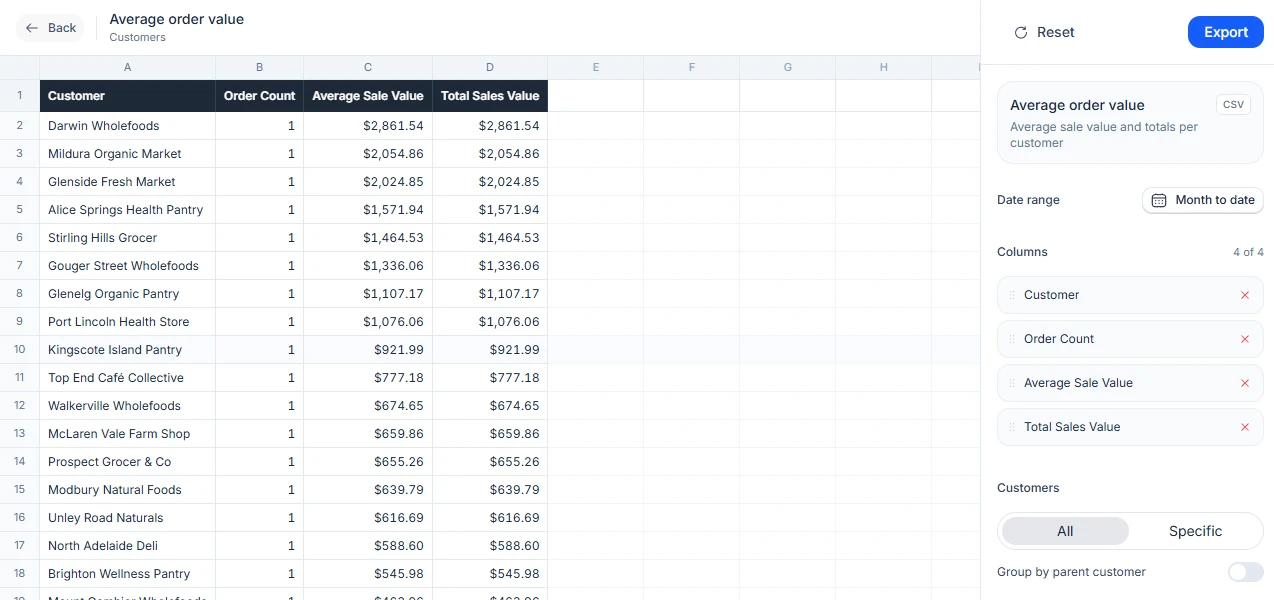
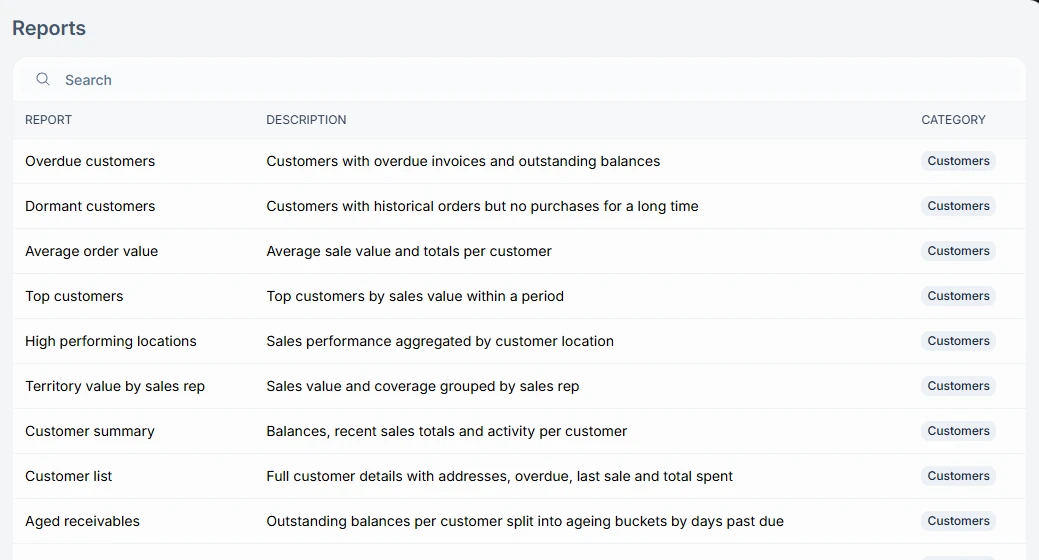
Open Reports under Analytics. Each report is listed with its description and category. Open one and adjust its settings, such as the date range, customers, Group by parent customer, grouping by suburb or state, and which columns to show.
Compare customers
Set customers to Specific and pick two or more customers, then turn on Compare. Each customer gets their own block of columns, side by side, with the customer name above it. Reset turns Compare off again.
Export
Choose Export to download the report as CSV or Excel. The export includes only the columns and settings you chose.