Help / Product guides / Delivery / Proof of delivery
Proof of delivery
Receiver name, signature, and photos captured at the door.
Last updated
Complete a delivery
In the driver app, the driver enters the receiver’s Name, and optionally Surname, chooses Take signature, and can add photos. Complete stays disabled until there is a name and a signature.
See and send proof
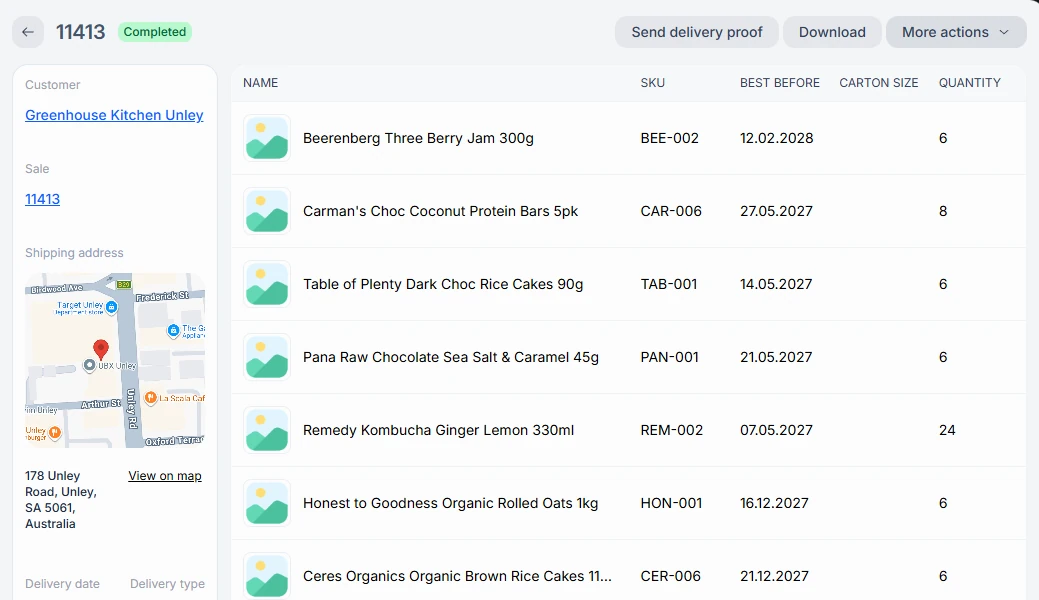
Photos appear under Attachments on the delivery. Tap a photo to zoom in. Once a delivery is Completed, choose Send delivery proof on it, or Send proof on the Delivery list, to email the proof.