Help / Product guides / Delivery / Runs
Runs
Set up runs and plan the route.
Last updated
Create a run
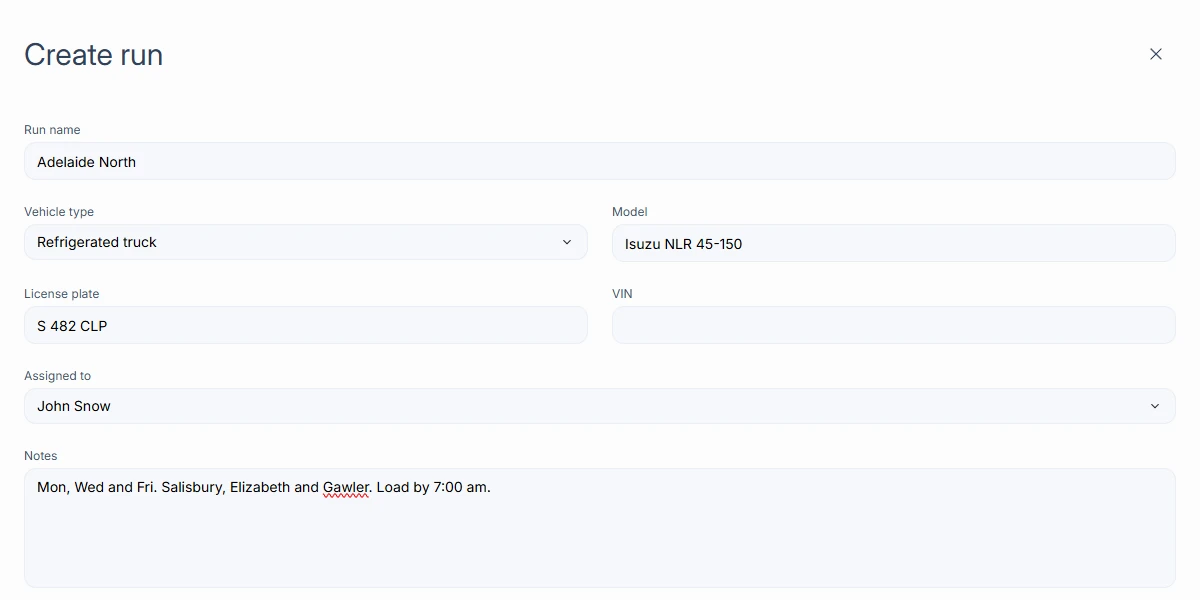
Open Runs under Delivery and choose Create run. Enter the Run name, Vehicle type, Model, License plate, VIN, Assigned to (the driver), and Notes. Open a run to see its deliveries.
Put deliveries on a run
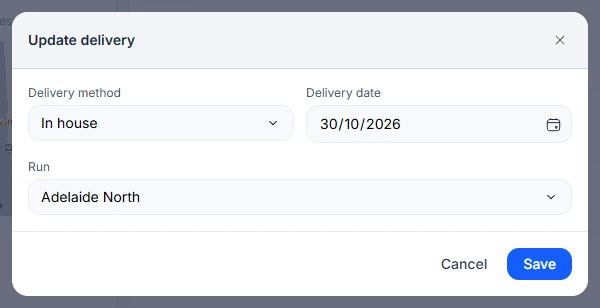
Open a delivery, choose Edit, and pick the Run. The run’s assigned driver is the delivery’s driver.
Plan the route
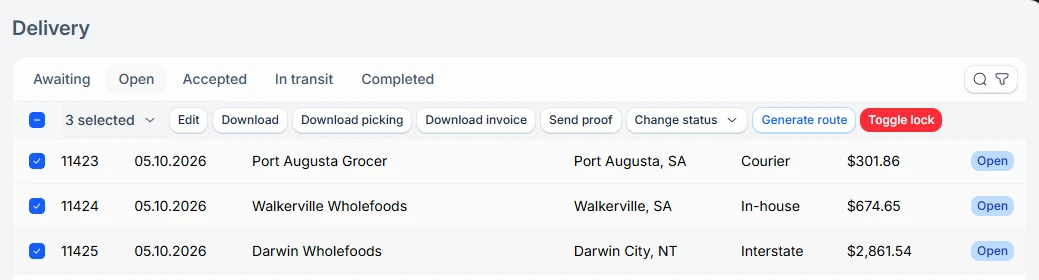
On the Delivery list, select two or more deliveries and choose Generate route. Google Maps opens with the stops in an efficient order.