Help / Product guides / Ordering Portal / Customer invites
Customer invites
Give customers access to the portal.
Last updated
Invite a customer
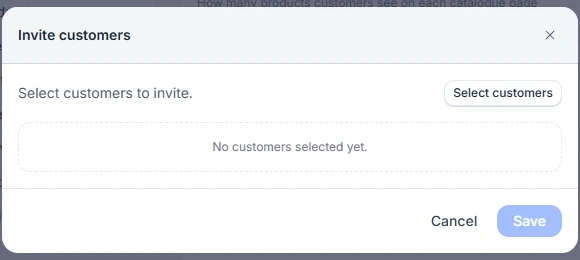
Open the customer and choose Invite to portal. The customer needs an email address. To invite several at once, use Invite customers on the Portal tab in Settings.
Accepting
The customer opens the invite, sets a password of at least 6 characters, and chooses Create account.
Customers can reset their own password with Forgot password? on the portal sign-in page.
Manage invites
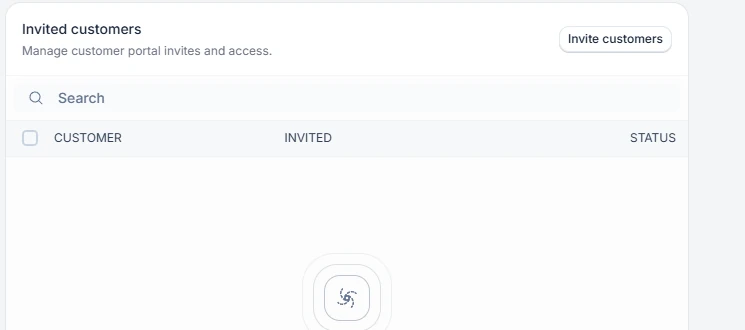
The Invited customers list on the Portal tab shows each customer, when they were invited, and their status. Open one to see when it was accepted and their last login, and to Resend or Delete the invite.