Help / Product guides / Ordering Portal / Portal setup
Portal setup
Turn on the portal and choose how it looks.
Last updated
Turn on the portal
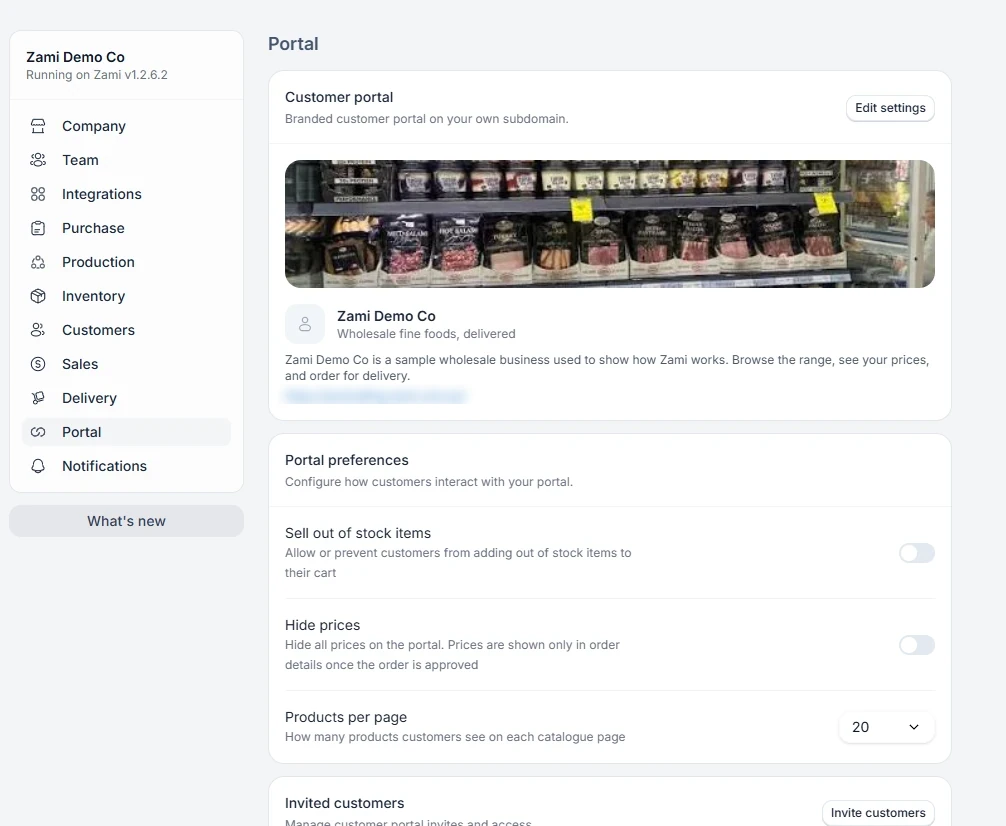
In Settings, open the Portal tab and choose Enable portal. Later changes are made with Edit settings.
- Choose the Portal subdomain. It cannot be changed once the portal is enabled.
- Add a Banner image, Portal title, Portal subtitle, and Description.
- Save.
Portal preferences
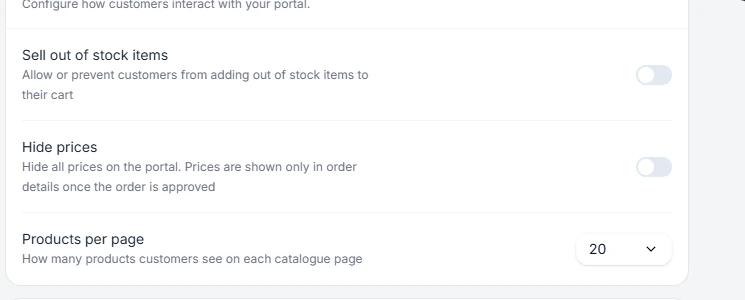
Hide prices shows prices only in order details once an order is approved. Sell out of stock items lets customers order products with no stock. Products per page sets how many products each page shows.