
Help / Product guides / Workspaces / Linked businesses
Linked businesses
Connect with customers and suppliers who also use Zami.
Last updated
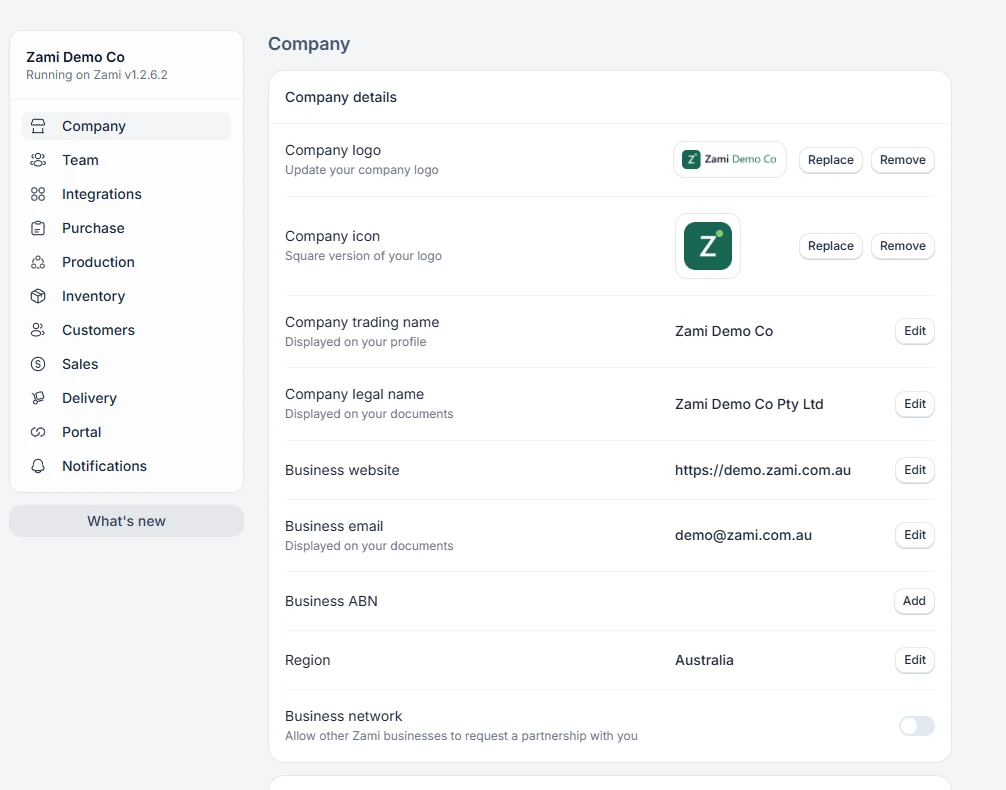
Allow requests
Turn on Business network on the Company tab in Settings to let other Zami businesses request a partnership with you.
Link with a customer
Open the customer and choose Request partnership. They get a notification and choose Accept or Decline. Use Disconnect partnership to end it.
Link with a supplier
Open the supplier and choose Request connection. Once connected, Sync products matches their products to yours by SKU. Use Disconnect to end it.