Help / Product guides / Workspaces / Settings
Settings
Where each setting lives.
Last updated
Open Settings
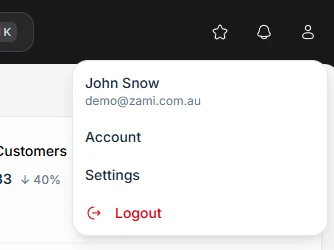
Open the account menu from your avatar and choose Settings. You only see the tabs your role and plan allow.
- Company: logo, icon, trading and legal name, website, email, ABN or NZBN, region, and Business network.
- Billing: your Zami plan.
- Team: team members and roles.
- Integrations: accounting, Shopify, and payments.
- Purchase, Production, Inventory, Customers, Sales, and Delivery: how each area works, and its templates.
- Portal: the customer ordering portal.
- Notifications: sender email and extra notification recipients.