Help / Product guides / Workspaces / Notifications
Notifications
Choose which events you hear about.
Last updated
Your notifications
On your Account page, under Notifications, choose Configure. Pick the events you want: Sale created, Sale updated, Credit applied, Sale prepayment, Customer created, Order created, and Order updated. In the notifications list, use Mark read or Mark all read.
For the whole business
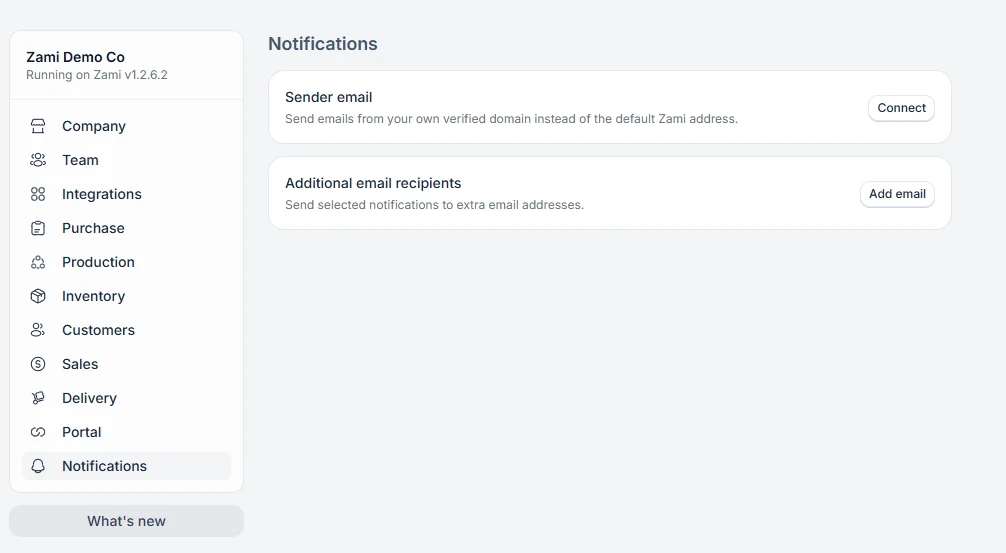
On the Notifications tab in Settings, admins can add Additional email recipients and choose what each one receives, and set a Sender email on your own verified domain.