
Help / Product guides / Inventory / Categories
Categories
Group products for the product list, the portal, and splitting sales.
Last updated
Create a category
Open Categories under Products and choose Create category. Give it a Name and, optionally, an image. The list shows how many products are in each category.
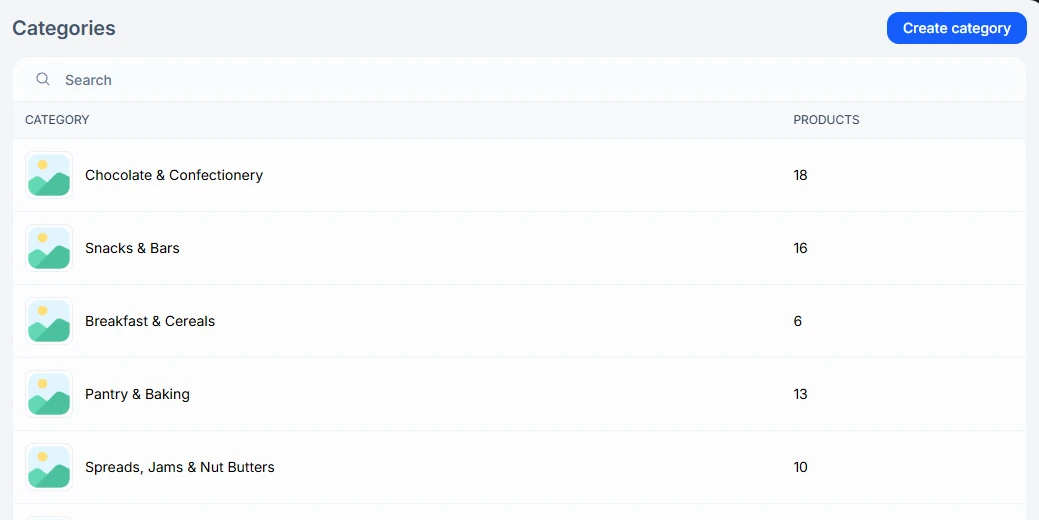
The category page
Open a category to see its Products, Stock, Sold this month, and Sales this month, and to Edit or Delete it.

Where categories are used
Categories filter the Products list and the ordering portal, and Split by category on a sale uses them to break it into separate sales.