Help / Product guides / Inventory / Stock levels
Stock levels
See how much you have, what is allocated, and what is available.
Last updated
The Inventory list
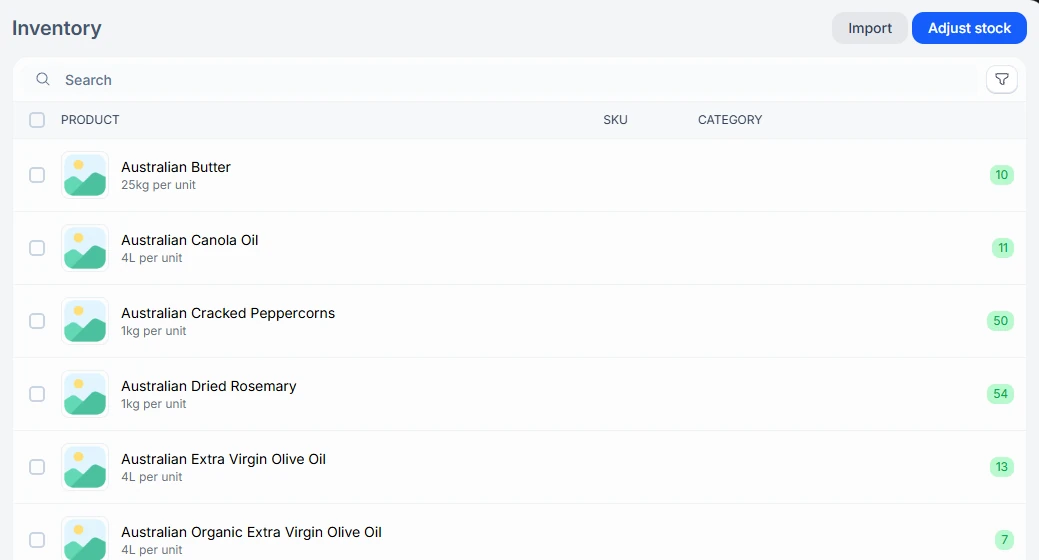
Open Inventory under Products to see each product with its SKU, category, and stock. Use Import on the Inventory tab to load stock levels, or export them.
A product’s stock
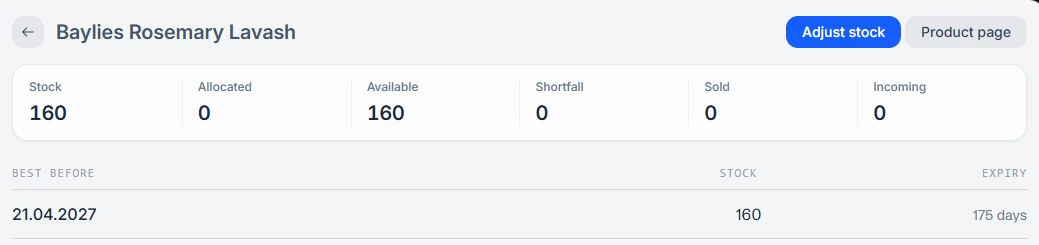
Open a product from Inventory to see Stock, Allocated, Available, Shortfall, Sold/Used, and Incoming. Available is stock minus what is allocated to open deliveries. If you track best-before dates, stock is broken down by best-before batch, with how many days each has left. With more than one location, stock is also grouped by location.
Locations
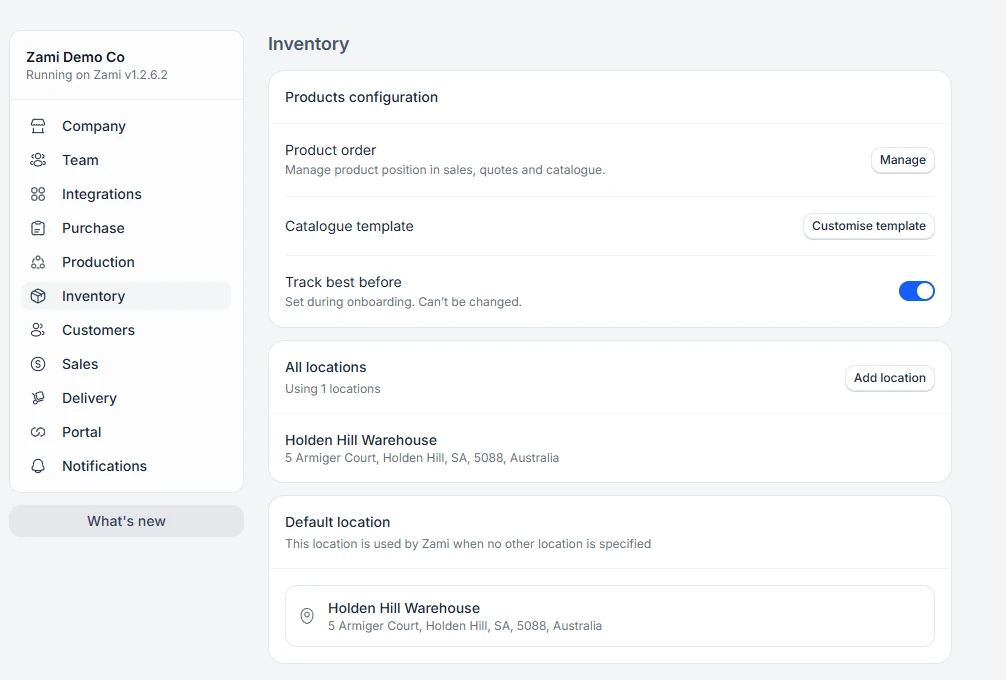
Add locations on the Inventory tab in Settings. When you have more than one, you can transfer stock between them with Adjust stock.