Help / Product guides / Production / Production history
Production history
Every batch you have run.
Last updated
Find a batch
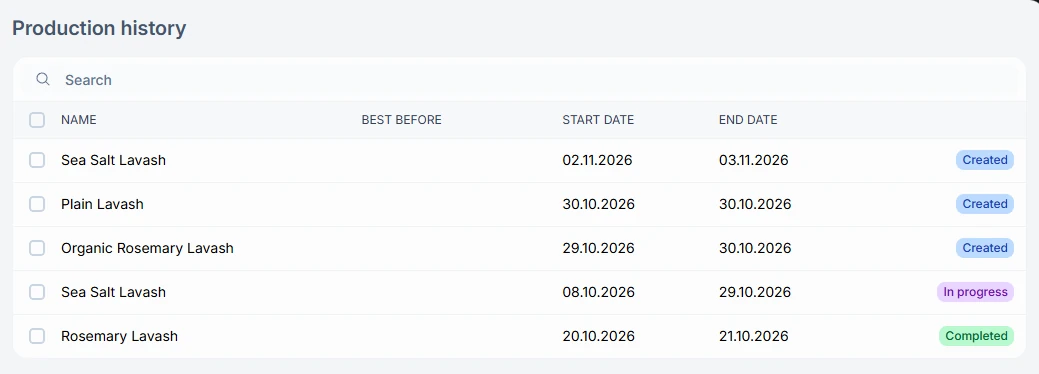
Open History under Production. Each batch shows its name, best-before date, start date, end date, and status.
What a batch shows
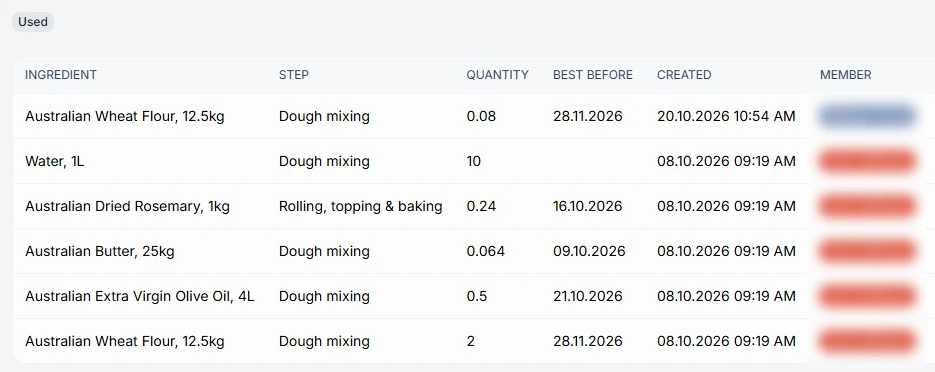
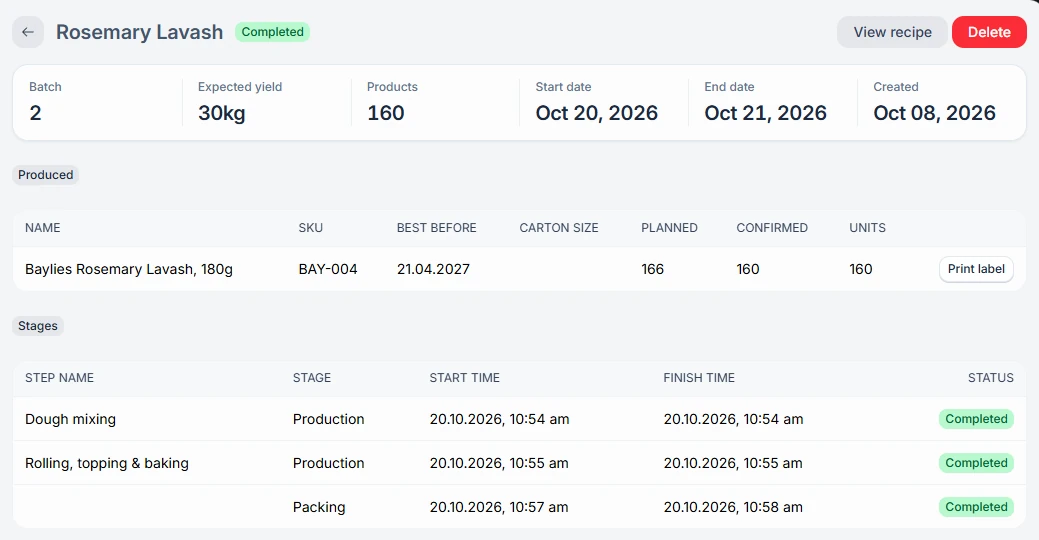
Open a batch to see what was Produced, the Stages with start and finish times, and what was Used, with each ingredient’s step, quantity, best-before date, team member, and source. Actions include View recipe, Set best before, Edit, and Delete.
Trace an ingredient
To trace backwards, open a batch and check its Used list. To trace forwards, open an ingredient under Inventory and follow its movements to the purchases and batches they came from.