Help / Product guides / Production / Safety reports
Safety reports
Build food-safety forms and fill them in when they are due.
Last updated
Build a template
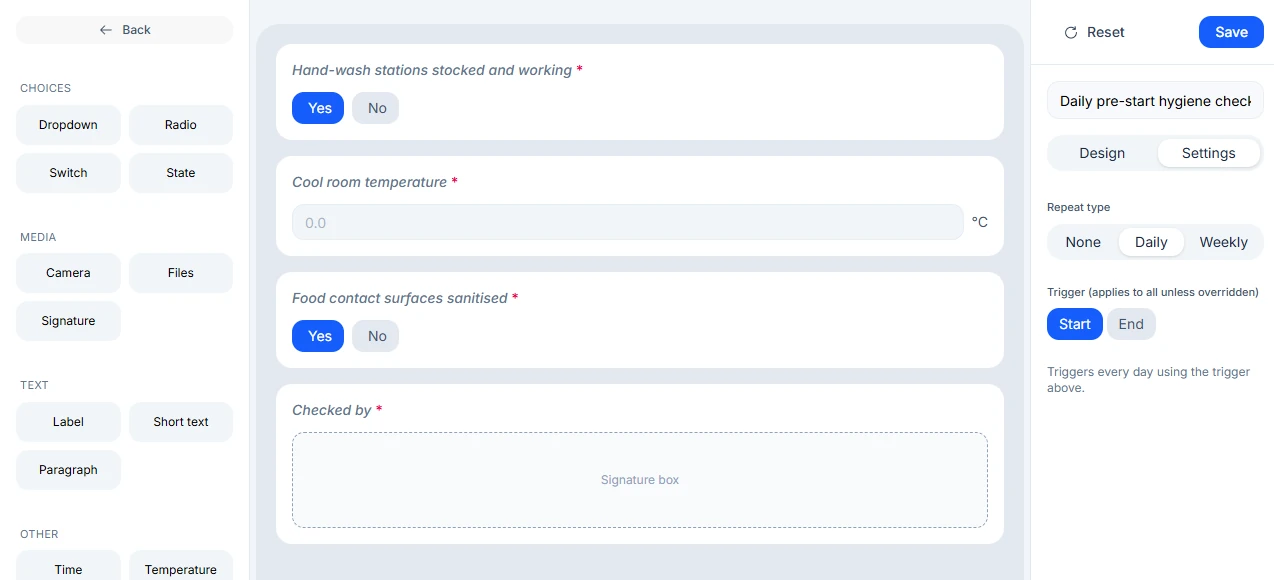
Open Reports under Production, which opens Safety reports, and choose Create template.
- Drag in elements: Dropdown, Radio, Switch, State, Camera, Files, Signature, Label, Short text, Paragraph, Time, Temperature, or Date.
- Turn on Required for anything that must be answered.
- On the Settings tab, set Repeat to None, Daily, or Weekly, and choose Start of production or End of production.
- Save.
Fill one in
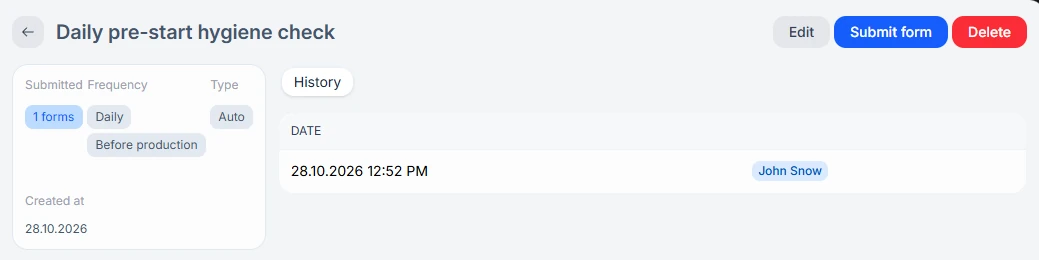
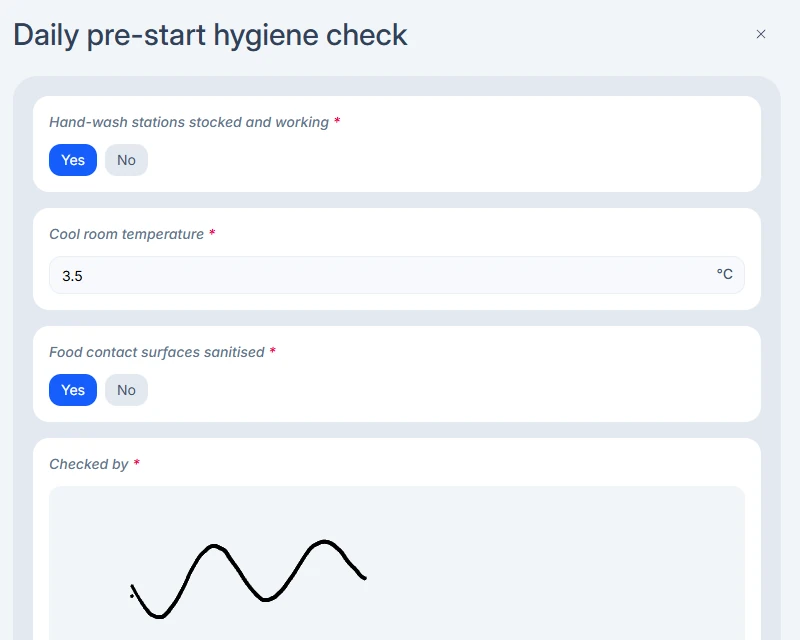
Reports that are due appear on the Production page. Choose Start to fill one in. Start-of-production reports are due before the day’s production begins, and end-of-production reports once all of the day’s production is complete. You can also open a template and choose Submit form.
Past reports
Submitted reports are saved on the template’s History tab, with the date and the person who submitted them.