
Help / Product guides / Production / Recipes
Recipes
Process steps, ingredients, and batch yield for what you make.
Last updated
Create a recipe
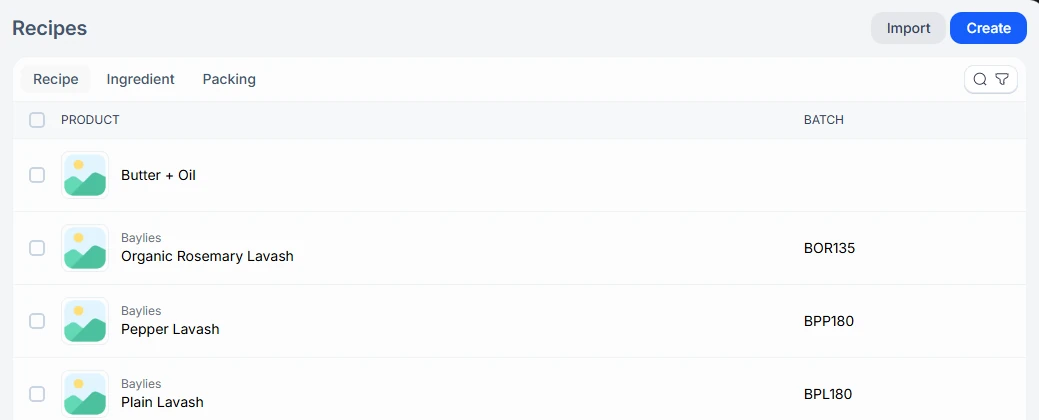
Open Recipes under Production. The page has three tabs: Recipe, Ingredient, and Packing. Choose Create, or use Import on the Recipe or Ingredient tab to load many.
- Add the process steps. Give each a name and colour, and drag to reorder them.
- Under Recipe, add each ingredient with its Production step, Units, and Size.
- Set the Batch yield and its unit.
- Set the Batch code, Expiry type (Best before or Use by), and Batch life.
Link a recipe to a product
A recipe is its own item. To tie it to what you sell, open the sale product and use Link with recipe. Packing items are set up on the Packing tab and linked to a product with Link with product.

Complex ingredients
An ingredient you make yourself can be a Complex ingredient with its own recipe. Add it to another recipe as a step with Add step.
Allergens
Allergens and Allergens may contain are recorded on sale products and ingredients, not on the recipe.

Sell an ingredient
Open the ingredient and choose Make sellable to turn it into a product you can also sell. You can link it to an existing sale product. This cannot be undone.