Help / Product guides / Production / Labels
Labels
Design your production label and print it while packing.
Last updated
Design the label
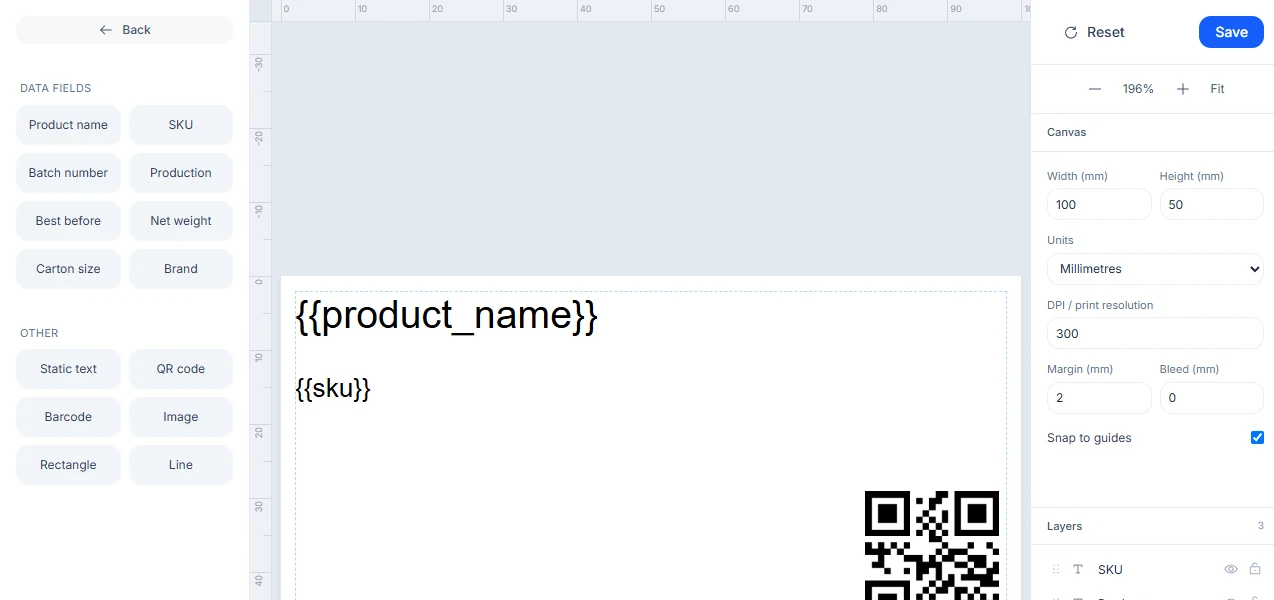
In Settings, open the Production tab and under Production label template choose Customise template.
- Set the label Width and Height, in millimetres or inches.
- Add elements: Static text, QR code, Barcode, Image (or Use company logo), Rectangle, and Line.
- Add data fields: Product name, SKU, Batch number, Production date, Best before, Net weight, Carton size, and Brand.
- Align elements, use Snap to guides, and reorder them in Layers.
- Save. Reset clears the design.
Your company has one production label template.
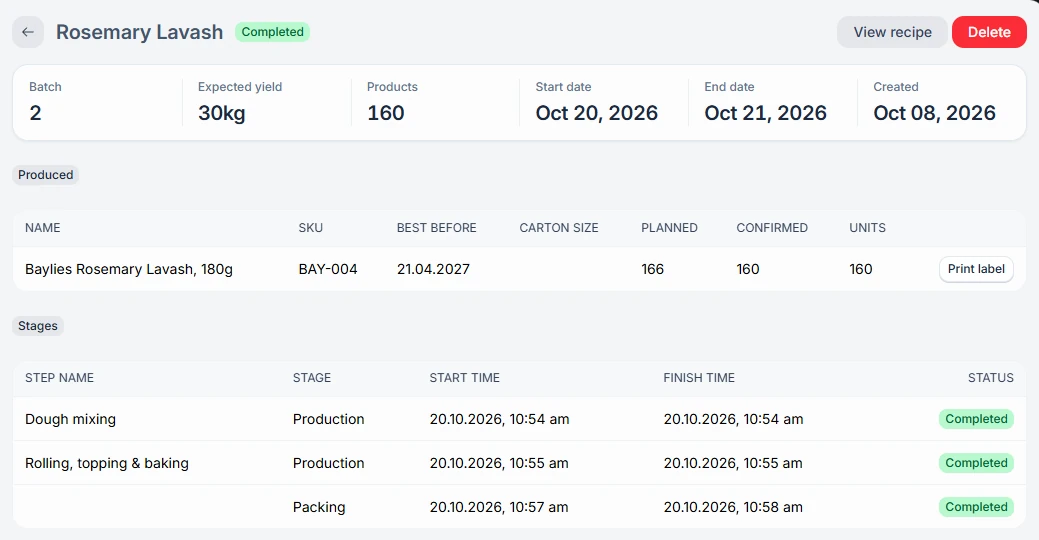
Choose Print label for a package while packing, or from the Produced table on the batch. The batch number and best-before date fill in on their own.