Help / Product guides / Sales / Credits
Credits
Credit a sale when goods come back.
Last updated
Credit a sale
Open the sale and choose Apply credit.
- Keep only the products that came back, and adjust their quantities.
- Choose Apply.
- Use Download credit for the PDF. The sale now shows Credited.
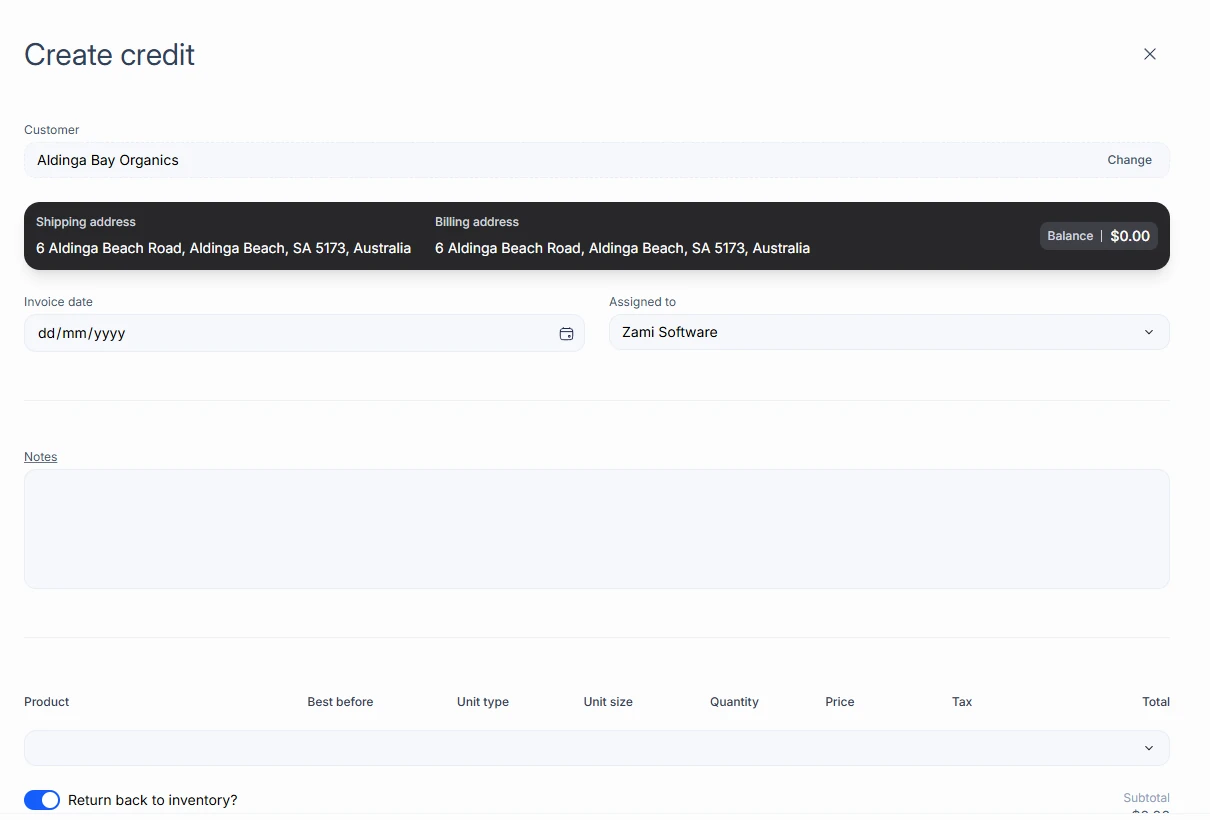
Create a standalone credit
On the Sales list, open the drop-down on Create sale and choose Create credit. The form shows how much of the customer’s Return limit is used and left.