
Help / Product guides / Sales / Pricing
Pricing
Pricing groups that adjust product prices for a set of customers.
Last updated
Create a pricing group
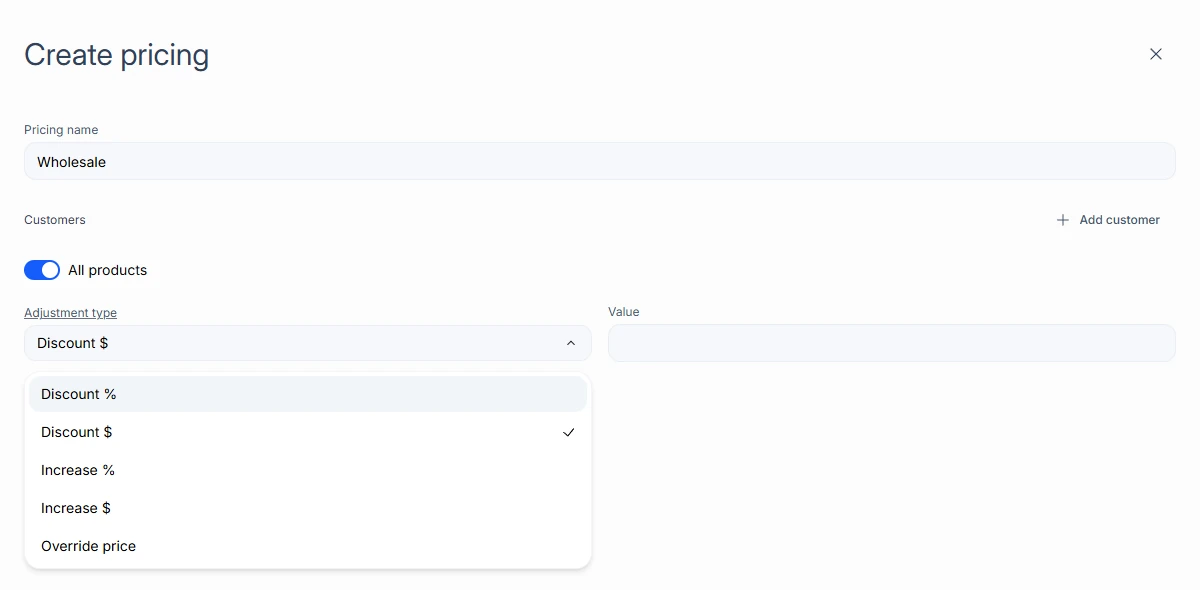
Open Pricing under Customers and choose Create pricing.
- Enter the Pricing name.
- Choose Add customer to add the customers it applies to.
- Turn on All products, or add lines for chosen products.
- For each line, choose the Adjustment type (Discount %, Discount $, Increase %, Increase $, or Override price) and enter the Value.
- Save.
Import and export
Use Import on the Price group tab to load pricing from a spreadsheet. Open a group to compare GROUP PRICE with ORIGINAL PRICE, and use Download CSV or Export.
