
Help / Product guides / Sales / Discounts
Discounts
Conditional, multibuy, and threshold discounts applied on sales.
Last updated
Create a discount
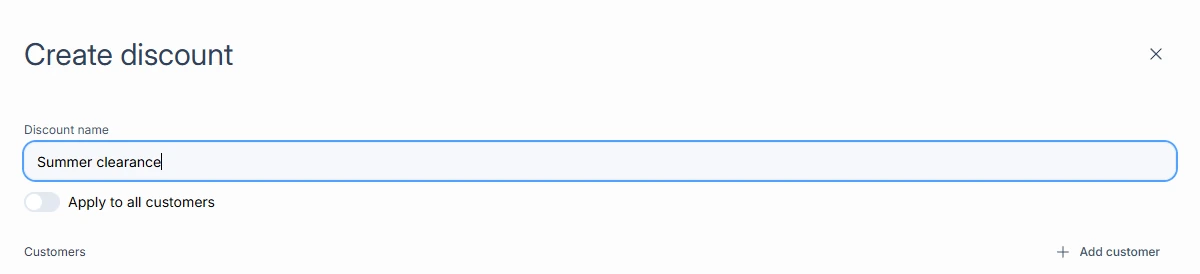
Open Discounts under Customers and choose Create discount.
- Enter the Discount name.
- Turn on Apply to all customers, or choose Add customer.
- Save, then open the discount and choose Create item.
- Choose Conditional discount, Multibuy discount, or Threshold discount, set the condition, and set the action: a Discount by percent or amount, or an Override price.
On a sale
Eligible discounts apply when a sale is created, and the sale shows a summary of what was applied. Your normal prices are not changed. To end a promotion, delete the discount or its item.